Community
Runs on your server. You own the database, upgrades, backups, and public entrypoint.
Both paths use the same Appaloft deployment model. The real choice is where the control plane runs, and who owns team access, billing, marketplace flows, and operations.
The Community install doc starts with Docker install, domains, and first admin setup.
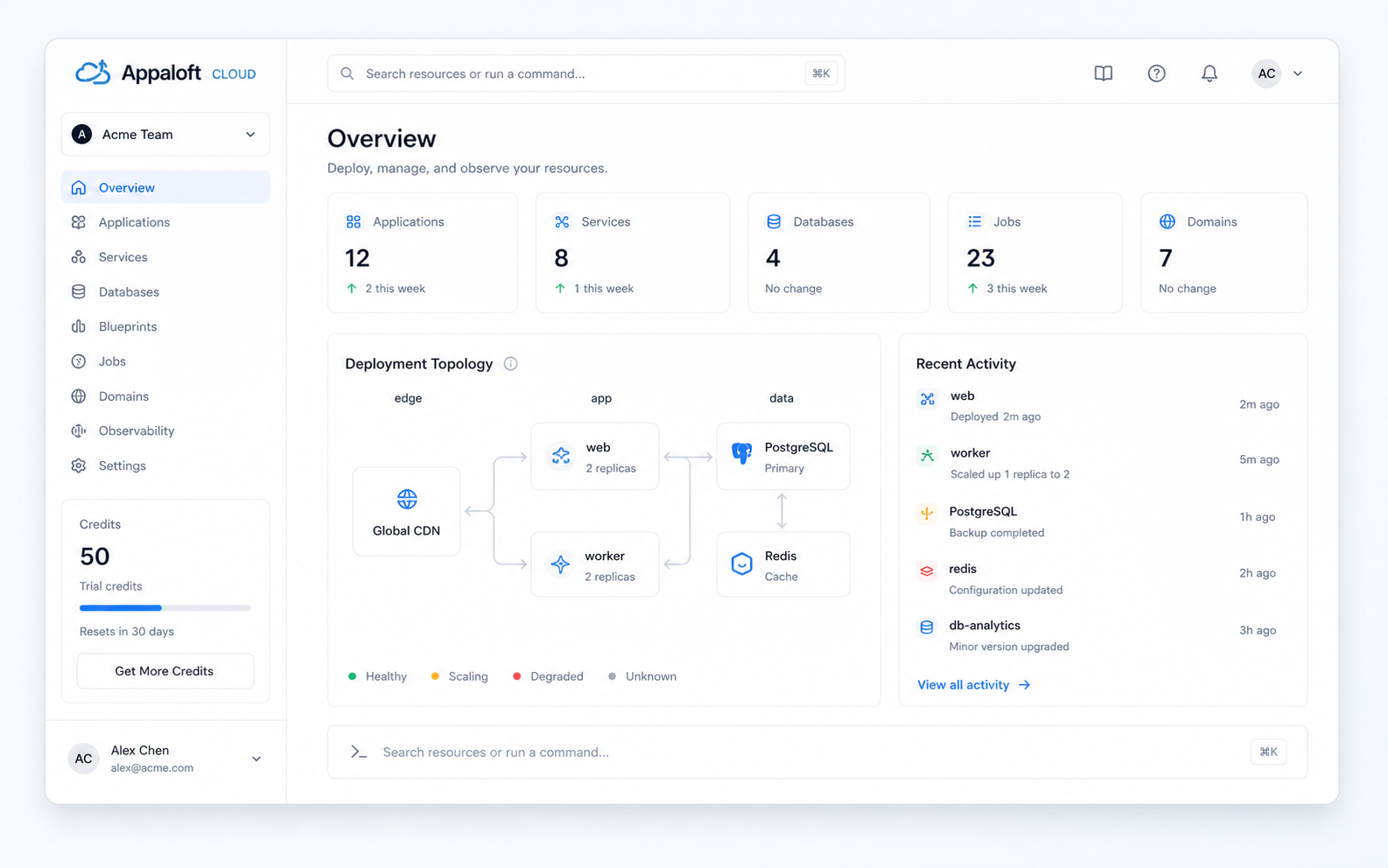
Runs on your server. You own the database, upgrades, backups, and public entrypoint.
Runs at app.appaloft.com, with team access, billing, official Blueprints, and Cloud overlays.
Based on the current code and Cloud source-of-truth docs: core deployment stays open; hosted collaboration and platform services live in Cloud.
Runs on your server
Docker defaults to PostgreSQL; PGlite is available for the local path.
Hosted at app.appaloft.com
Cloud runtime adds overlays to the public Appaloft server.
CLI / API / Web console
Deploy straight to your VPS, VM, or cluster.
Same deployment path
Adds tenant, permission, usage, and managed deployment overlays.
Basic org and team setup
First admin, local organization, and team data stay in your instance.
Cloud authz / tenancy
owner, admin, billing, developer, viewer roles plus operation guards.
Bring your own Action and tokens
Secrets stay in your instance or GitHub Secrets.
Hosted GitHub integration
Sign-in, repository authorization, source events, and status feedback.
Open format and local registry
Blueprints are portable manifests, not Cloud marketplace records.
Official catalog and Marketplace
Install plans, installed records, upgrade dry-runs, and curated listings.
Default public deployment
Cloud policy, usage, and overlay behavior do not enter Community core.
Managed deployment overlay
Tenant context, entitlement, usage intent, and readback.
Deploy to your own server
Static output can deploy as a normal public Appaloft resource.
Browser upload and hosted URL
Staged upload, object-storage routing, and default-domain readiness.
No Cloud credits
You pay for your own servers and providers.
Prepaid credit ledger
Successful deploys/static publishes are charged; failed or canceled attempts are not.
Local security is yours
TLS, email, secrets, monitoring, and hardening are self-managed.
Hosted security controls
Security headers, email verification, audit, abuse controls, and readiness gates.
Own backups and upgrades
Database, object storage, registry, and restore drills are your responsibility.
Hosted control-plane ops
Cloud keeps break-glass, readiness, and external restore paths.
Community and Cloud are not separate deployment engines. Cloud depends on public Appaloft, then adds hosted collaboration, commercial features, and the default online entrypoint in the private layer.
You want the control plane, database, and deployment credentials on infrastructure you operate, and you are fine owning upgrades and backups.
You want team sign-in, permissions, billing, official Blueprints, and quick browser-based publishing without standing up the control plane first.