









Connect servers
Connect to self-hosted machines, VPS instances, cloud VMs, or clusters over SSH.
A local-first AI native 1 file PaaS.Start with one file, then deploy static sites, local projects, Git repos, Docker, and Compose apps. Click through yourself, or let agents use MCP / skill.
Give this prompt to your agent
Read https://appaloft.com/start.md, then help me deploy with Appaloft...Start with these common apps, or browse more official Blueprints in the marketplace.
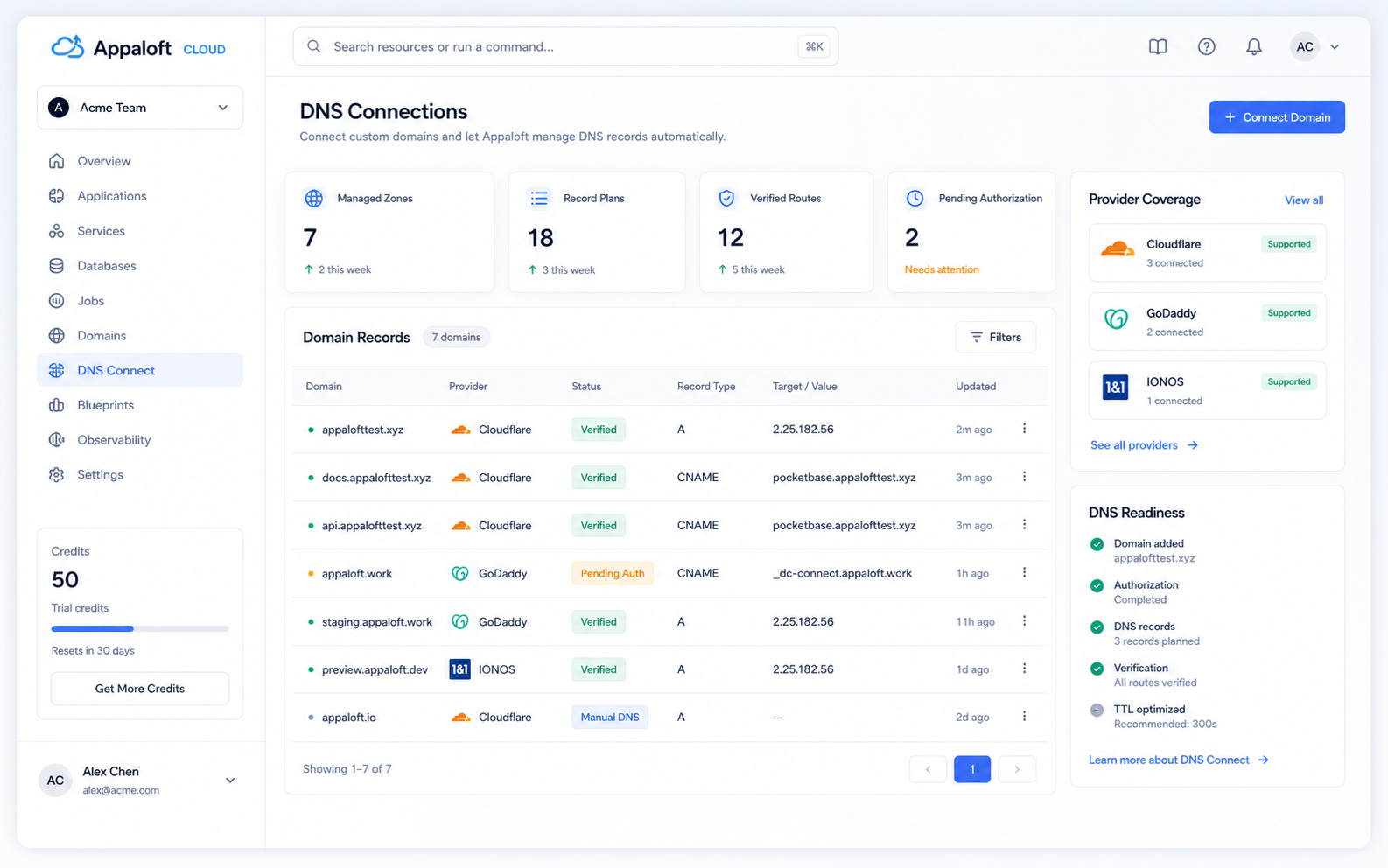
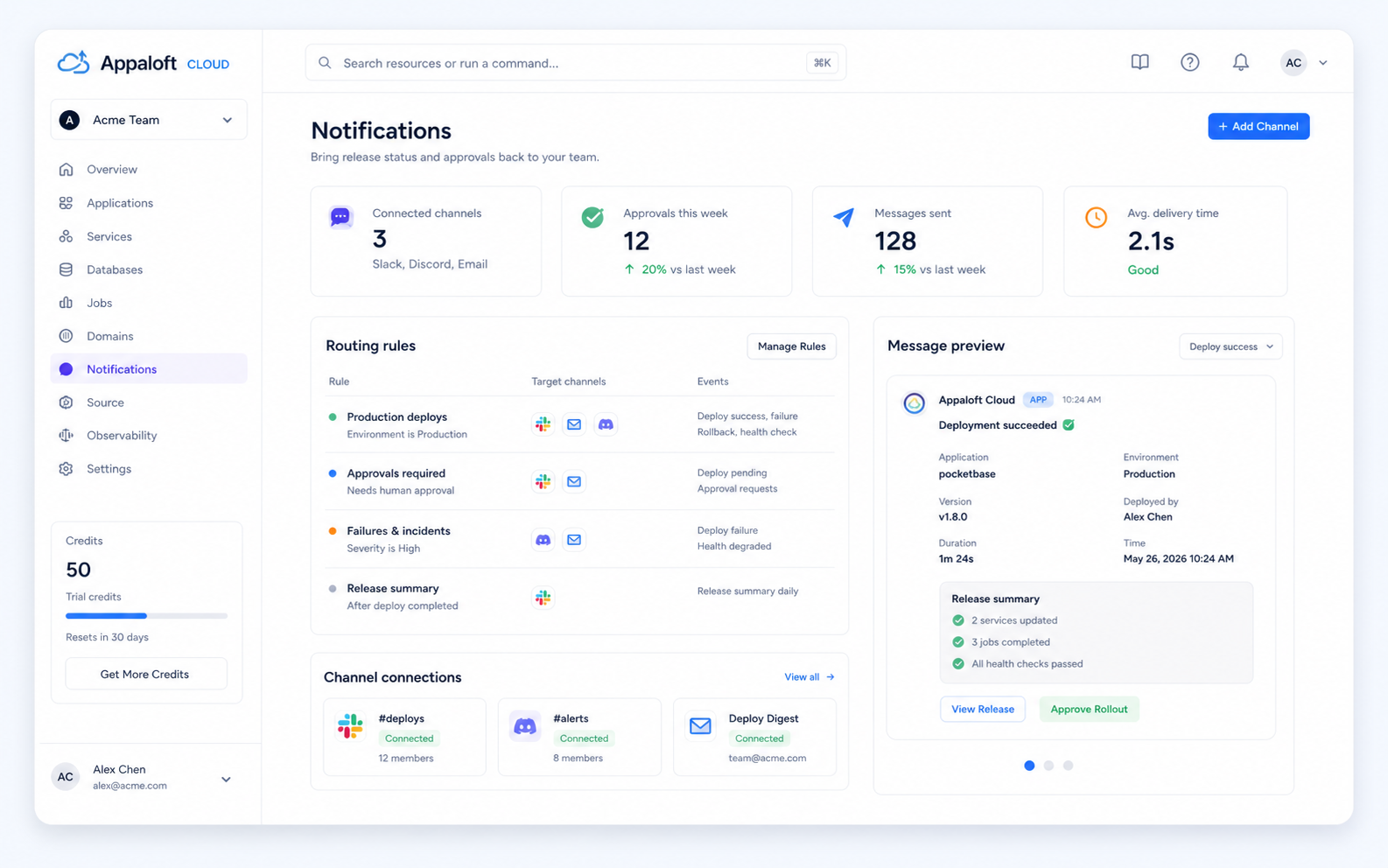
Cloudflare DNS is ready through Domain Connect. GitHub, Slack, Sentry, and more connectors continue into the deploy flow.
Install the appaloft command, then deploy, check status, and roll back from your local terminal. No Appaloft backend or Docker setup is required just to start from the CLI.
Install the CLI
brew install appaloft/tap/appaloftWorks on macOS and Linux. The desktop app is available with brew install --cask appaloft/tap/appaloft-desktop.
$ appaloft deploy
🔎 detect  package.json / Dockerfile / compose.yaml
🧭 plan    web:3000 + worker + postgres
🚀 run     upload -> build -> start
✅ verify  HTTPS, health, activity
🌐 done    live URL ready
MCP is Appaloft's formal tool transport. Connect through the hosted Appaloft Cloud control plane, or run a local MCP entrypoint on your own machine or self-hosted control plane.
Both modes reuse the same Appaloft operation catalog. Cloud adds sign-in, team permissions, and audit; local mode stays close to the CLI profile, environment, and self-hosted endpoint on your machine.
Log in once, then the agent uses Appaloft Cloud with your team permissions. Best for team projects, Blueprint installs, audit, and the remote control plane.
For Codex CLI and Codex Desktop. Restart Codex after install to load the Appaloft tools.
appaloft auth mcp login
appaloft auth mcp codex install@appaloft/sdk is published on npm. Your dashboard, worker, or internal tool can call typed facades like appaloft.projects.create against the Appaloft API.
Typed facade
import { createAppaloftClient } from "@appaloft/sdk";

const appaloft = createAppaloftClient({
  baseUrl: "https://app.appaloft.com",
  auth: { kind: "product-session", cookie },
});

const result = await appaloft.projects.create({
  body: { name: "acme-web" },
});A machine-readable OpenAPI 3.1 document and Scalar reference are public. Internal tools, automation, and API clients can start from the public Appaloft reference.
SCALAR
open https://docs.appaloft.com/en/reference/openapi/

{
  "openapi": "3.1.0",
  "info": {
    "title": "Appaloft HTTP API"
  },
  "paths": {
    "/api/projects": {},
    "/api/deployments": {}
  }
}/reference/openapi
Scalar API reference for browsing endpoints, parameters, and response shapes.
/reference/http-api
HTTP API documentation for OpenAPI, operation tags, and embedding guidance.
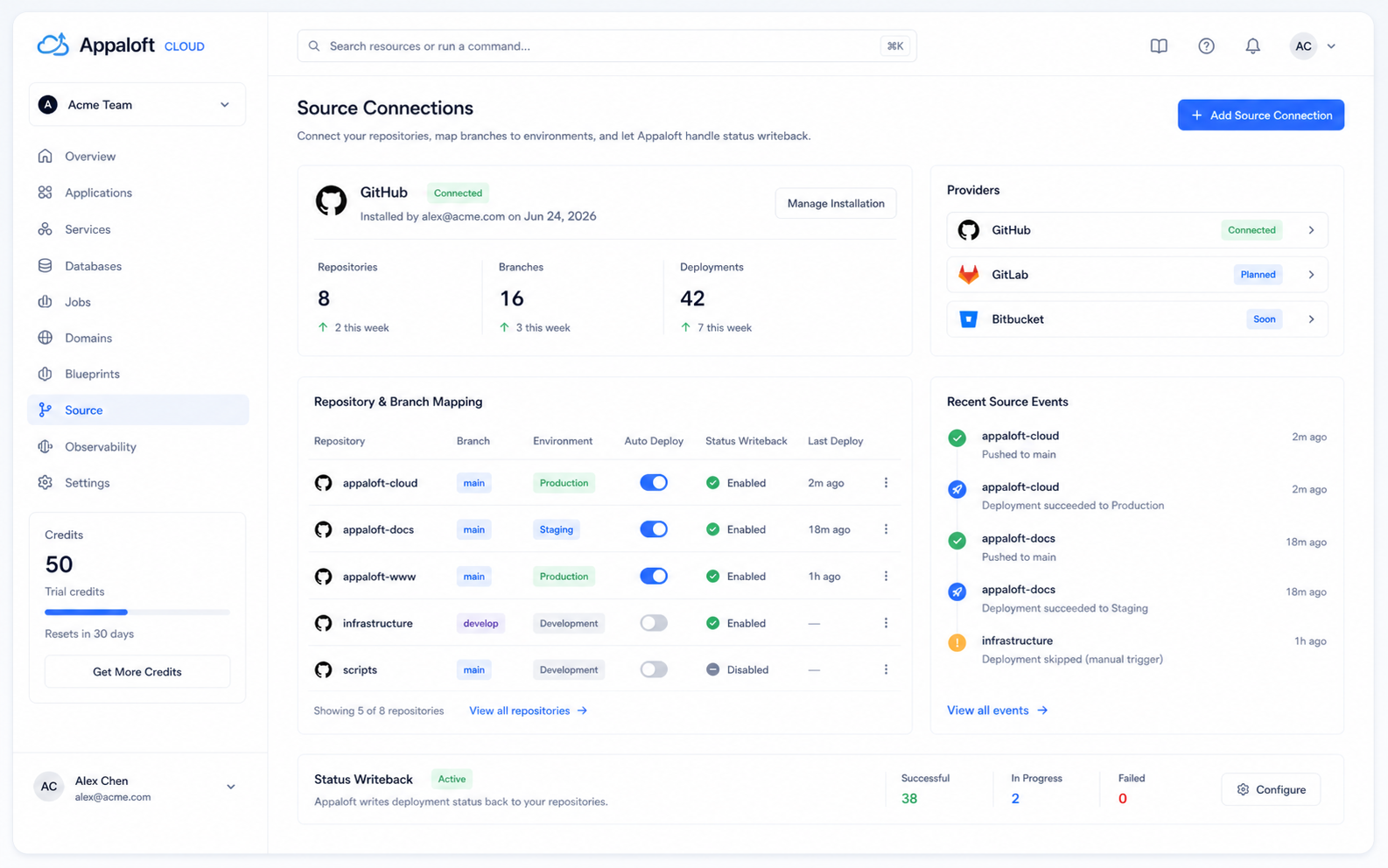
A GitHub Action can call the deploy path after code changes. GitHub App integration handles repository authorization, environment selection, and deploy status updates.
GitHub Action
name: appaloft-deploy
on:
  push:
    branches: [main]
jobs:
  deploy:
    runs-on: ubuntu-latest
    steps:
      - uses: actions/checkout@v4
      - uses: appaloft/deploy-action@v1
        with:
          server: ${{ secrets.APPALOFT_SERVER }}
          token: ${{ secrets.APPALOFT_TOKEN }}
GitHub App
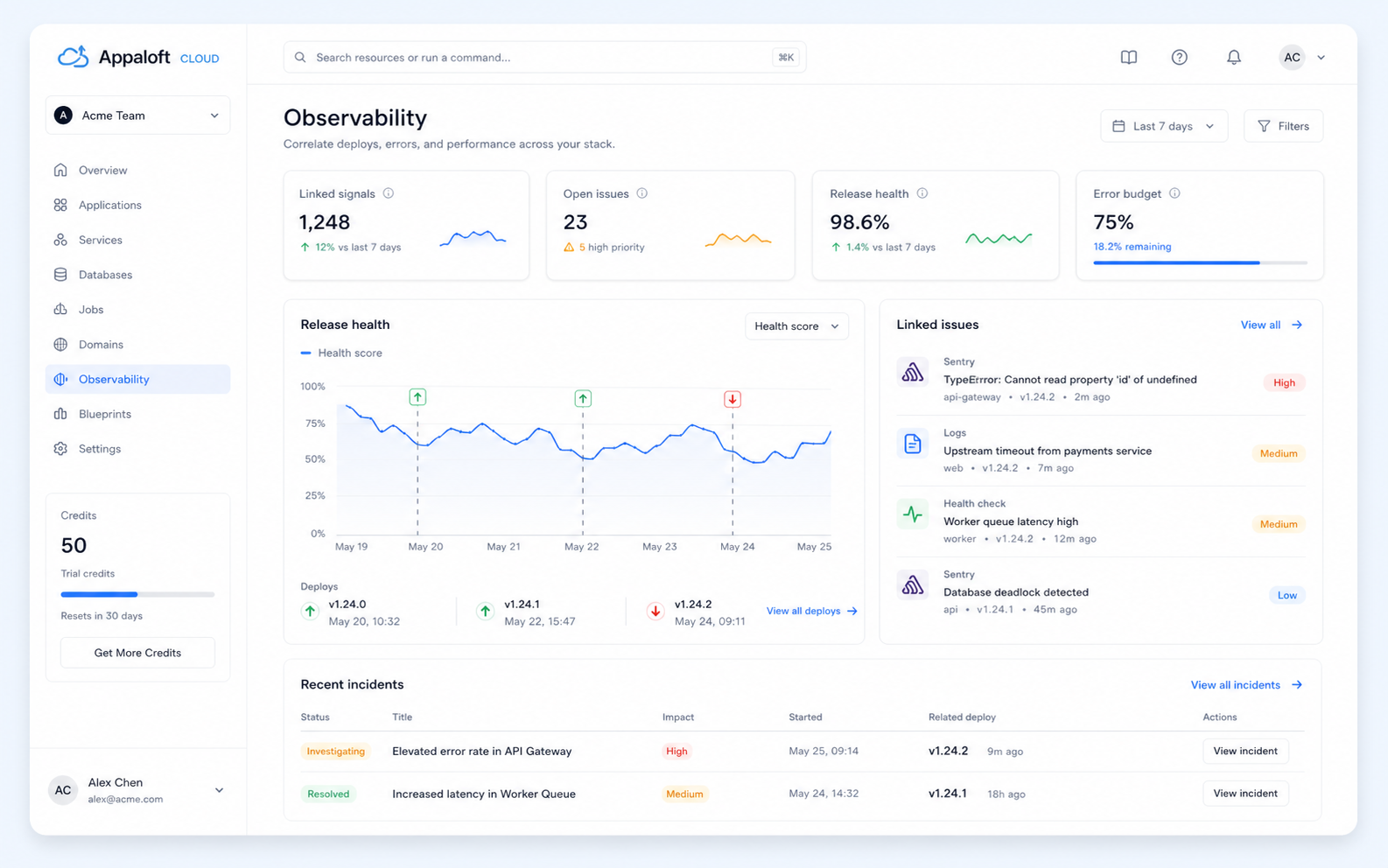
Connect servers, define resources, bind dependencies, deploy, and check health from the same console.
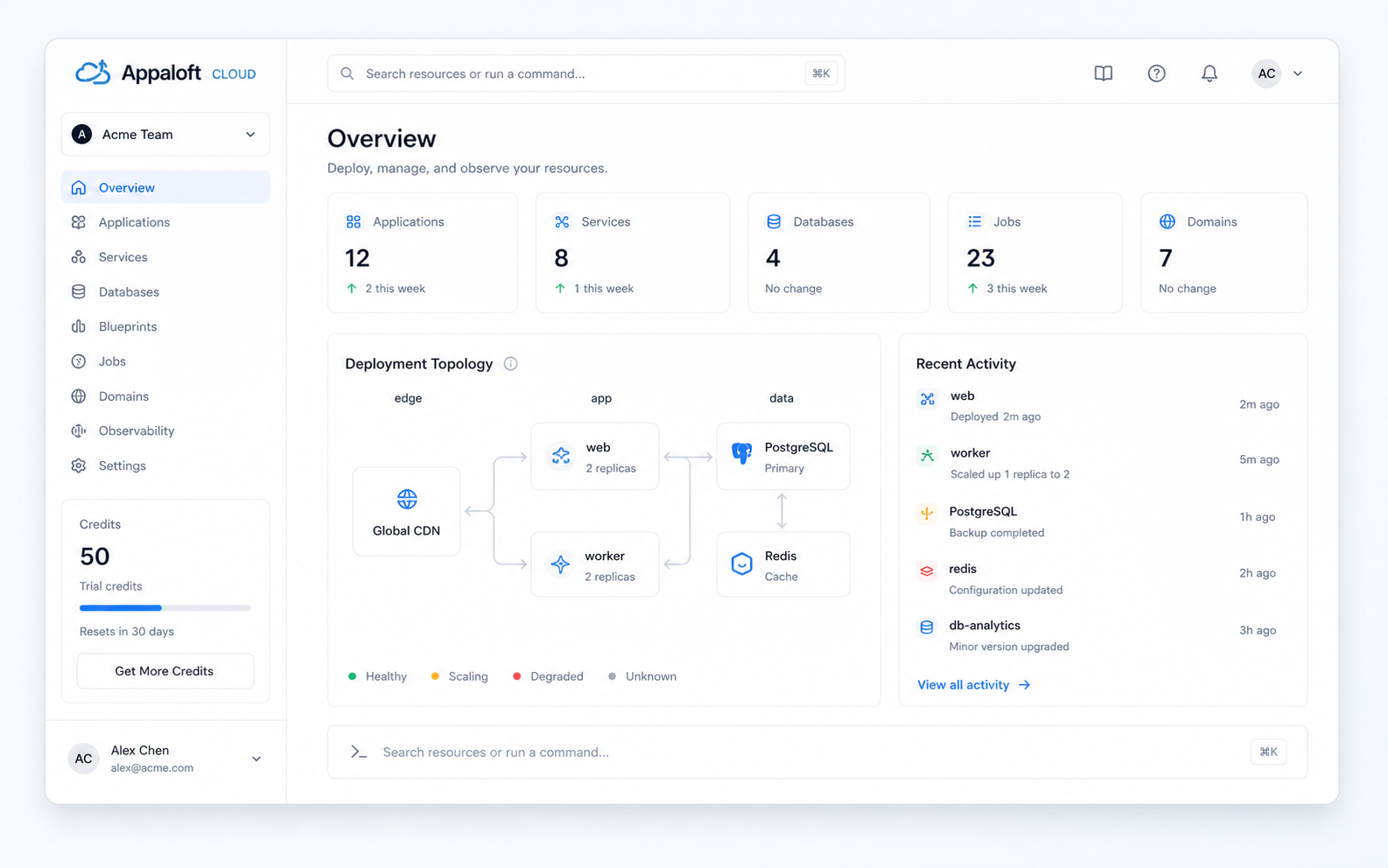
Connect to self-hosted machines, VPS instances, cloud VMs, or clusters over SSH.
Declare Web, Worker, Cron, and Job resources with runtime options and ports.
Attach databases, caches, and storage through Resource Bindings.
Deploy through one path with tracked changes and rollback. Successful deploys only.
Manage domains, HTTPS, health checks, alerts, and recent activity.
Appaloft Cloud subscriptions are applied to the current organization. Collaborators are not the main billing axis; capacity is based on servers and static storage.
| Feature / limit | Free | Basic Recommended | Team | Business | Enterprise |
|---|---|---|---|---|---|
| Price | $0/mo | $5/mo | $15/mo | $39/mo | Custom |
| Collaborators | 1 | 1 | Unlimited | Unlimited | Custom |
| Servers | 1 | 2 | 5 | 15 | Custom |
| Hosted static sites | 1 | Unlimited | Unlimited | Unlimited | Custom |
| Publish size | 10MB | 250MB | 1GB | 2GB | Custom |
| Files per publish | 100 | 500 | 2,000 | 5,000 | Custom |
| Retained storage | 100MB | 1GB | 5GB | 20GB | Custom |
| Basic RBAC | — | — | |||
| Audit log retention | — | — | 30 days | 30 days | Custom |
| Private deployment | — | — | — | — | |
| Choose plan | Start free | Choose plan | Choose plan | Choose plan | Contact sales |
Free is limited to 1 hosted static site. Paid plans include unlimited hosted static sites and control capacity through publish size, file count, and retained storage.
Add servers or retained static storage monthly.
Run this command in your terminal. Back in your editor, ask AI to deploy the current repo. The live URL and logs come back in chat.
$ npx skills add appaloft/appaloftWorks with AI hosts that support skills.